How to Post New Listing
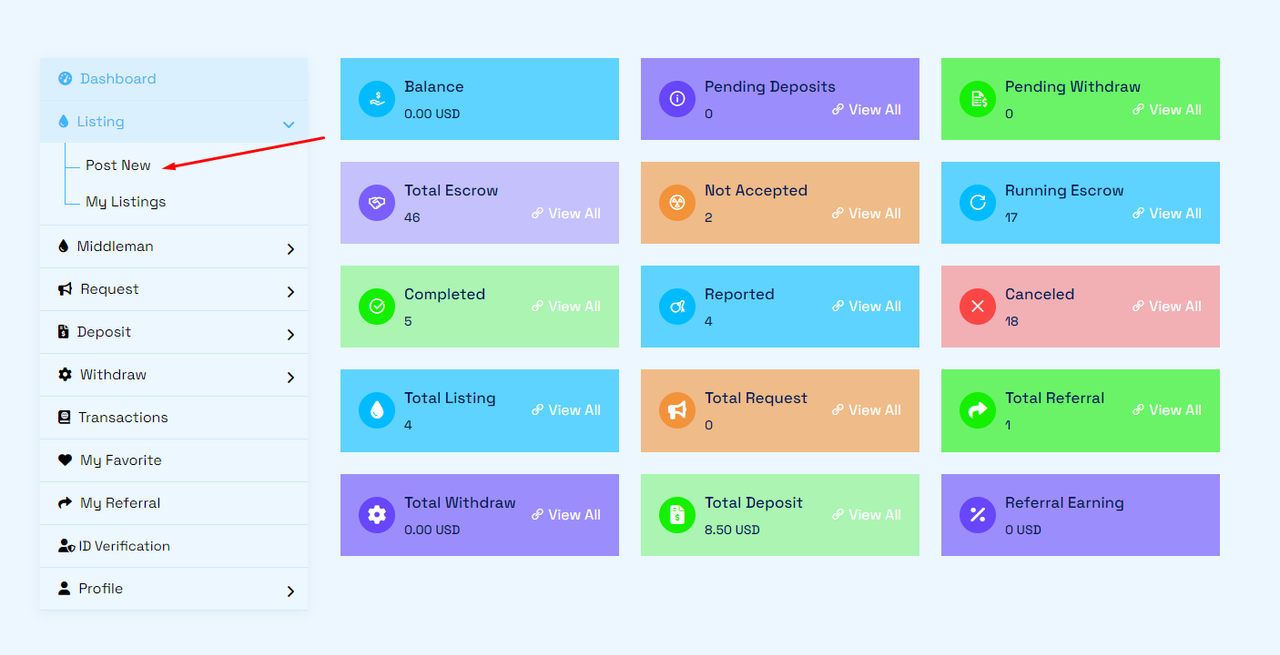
>First, login to your "Account Dashboard" and under the Listing menu, click 'Post New'.
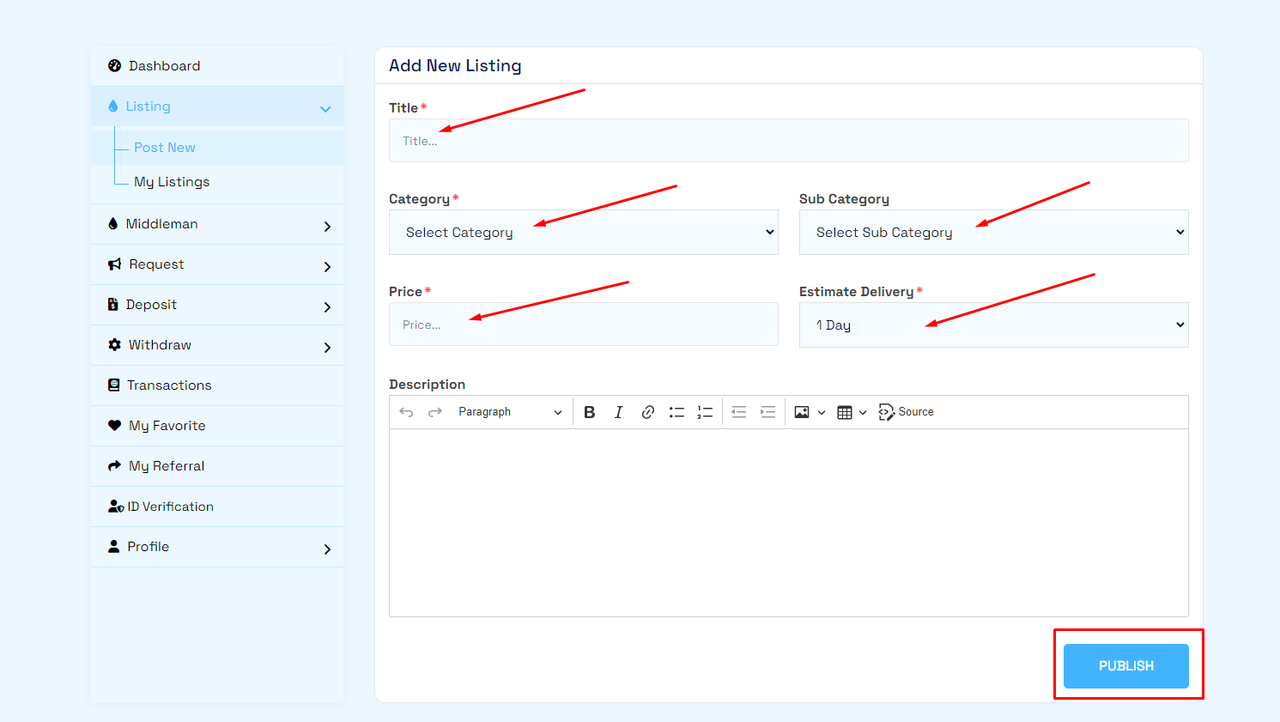
>Then, enter Title, select Category/Sub Category, enter Price, select Estimate Delivery, write Description and click Publish.
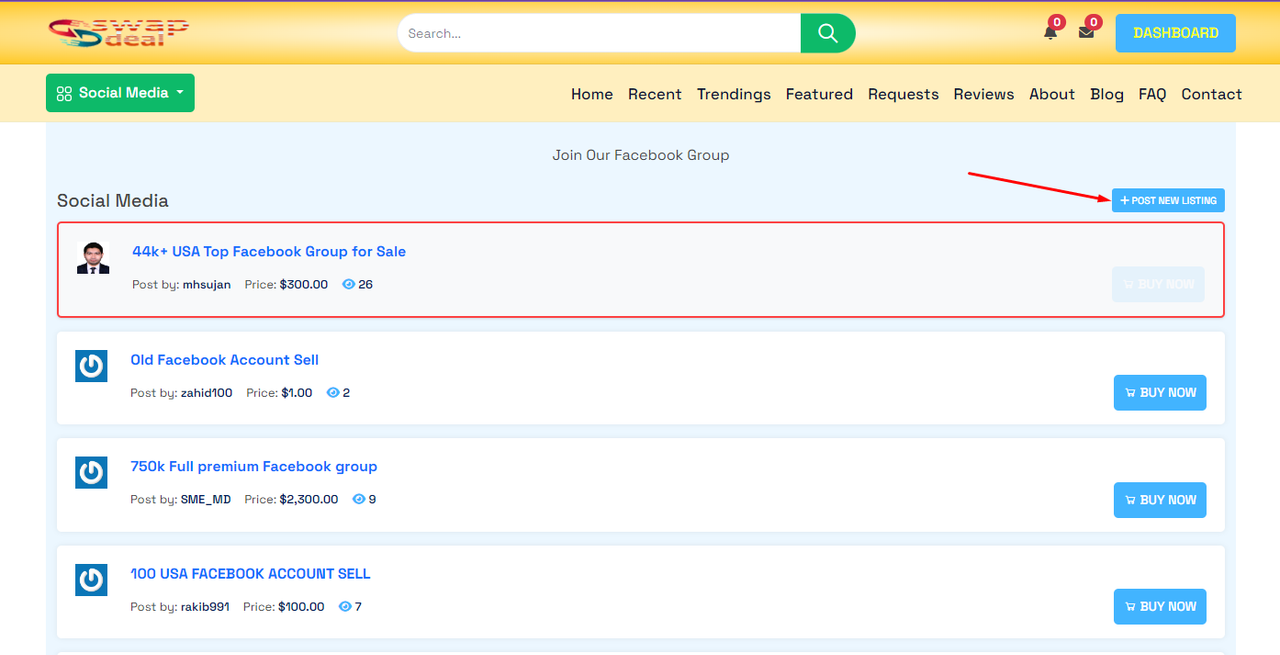
Also, you can add listings directly from category/subcategory directory:
Thank you.